
Odoo: one system for your whole business
Odoo is a modular business software suite: you start with the apps you need today and add others later, all on the same database. This page explains what that means in practice, which choices you face and how we set Odoo up so it lasts for years.
Apps that together form one source of truth
Ordinary software forces you to work the way it was designed. Odoo works the other way round: it is made up of dozens of separate apps that share the same customer, product and accounting data. A quote in the sales app becomes an order, a delivery in the warehouse and an invoice, with nobody retyping anything.
That means you do not have to switch everything on at once. Many companies begin with three or four apps and add more when the next bottleneck appears. Before long, your operations no longer sit scattered across Excel, mailboxes and separate programs.
- One shared database for customers, products and documents
- Apps you activate one by one, when you are ready
- Access rights per user, so everyone sees only what fits their role
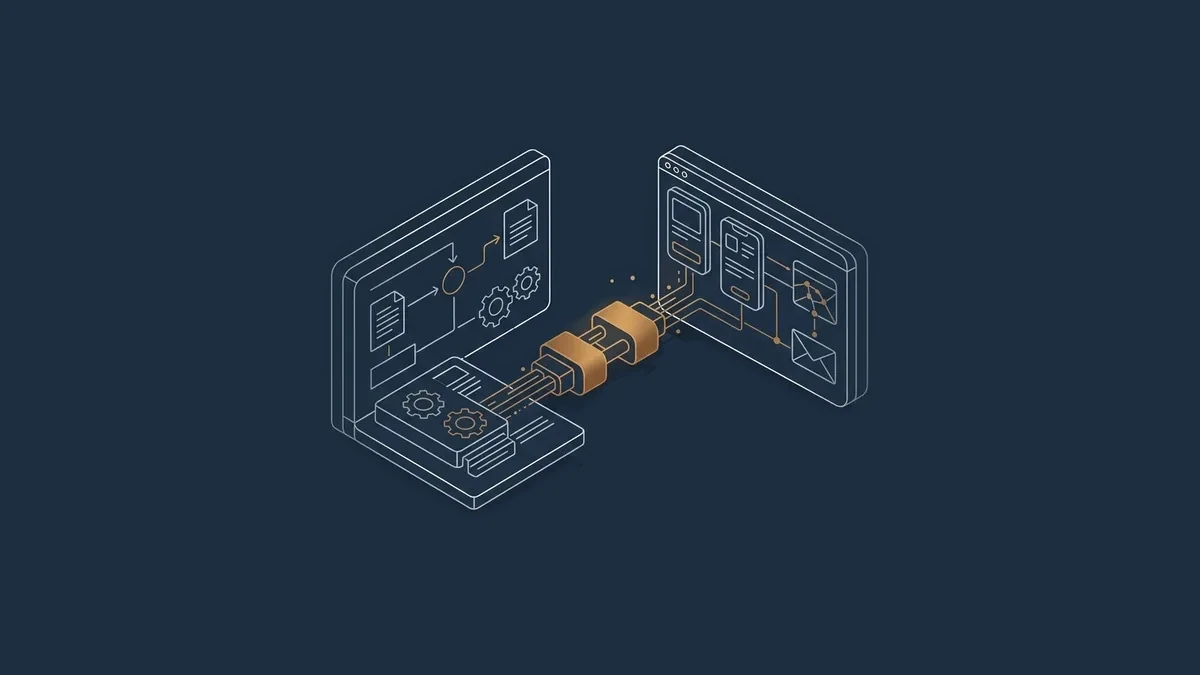
What you can cover with Odoo
These are the domains that come up most often in SMEs. Which apps you need is decided by your workflow, not by the catalogue.
Sales and CRM
From first contact and opportunity to quote, order and follow-up. The team sees what is going on with each customer and what the next step is.
Purchasing and inventory
Supplier orders, receipts, stock levels per location and replenishment rules, in the same environment as sales.
Invoicing and accounting
Invoices, payments and bank reconciliation, with bookkeeping that draws straight from your operational data.
Website and webshop
A website and webshop running on the same products, prices and stock as the rest of the business.
Helpdesk and projects
Questions and cases as tickets with follow-up, and project work with tasks and time tracking.
Manufacturing, HR and more
Production orders and bills of materials, staff records, leave and expenses. Every part is optional.
“A system that grows with you is a system you do not have to replace every two years.”
Two editions, one core
Odoo comes as a free Community edition and a paid Enterprise edition. Enterprise builds on the same core. This is the difference in broad terms; the exact scope can vary per version.
| Community | Enterprise | |
|---|---|---|
| Licence | Open source, free to use | Paid licence per user |
| Apps | Core apps for sales, inventory, CRM and website | Everything in Community, plus extra apps and features, for instance for accounting, studio and document handling |
| Ease of use | Functional, sometimes with more manual work | Richer screens and more automation |
| Support | Through the community or a service provider | Included from the publisher, alongside the service provider |
| Switching | Can be converted to Enterprise later | Built on the same base as Community |
Three hosting options
You choose not only a package but also where it runs. That choice decides how much freedom you have and how much management you hand over.
| Odoo Online | Odoo.sh | On-premise | |
|---|---|---|---|
| Who runs the servers | The publisher | The publisher, with more control for you | You or your IT partner |
| Custom modules | Not possible | Possible | Possible |
| Upgrades | Handled by the publisher | Planned, with test environments | Entirely in your hands |
| Suits | Standard Odoo without extensions | Companies with specific technical needs | Strict requirements on location or own infrastructure |
Arend Secure Hosting as an option
Do you want to keep your data within Europe, in a protected environment, without managing servers yourself? Then we offer Arend Secure Hosting. Your environment runs in a strictly separated container, with off-site backups, monitoring and logging of what happens.
It is an option alongside the three above, not a replacement. At the start we discuss which form suits your situation, and we can help you switch later.
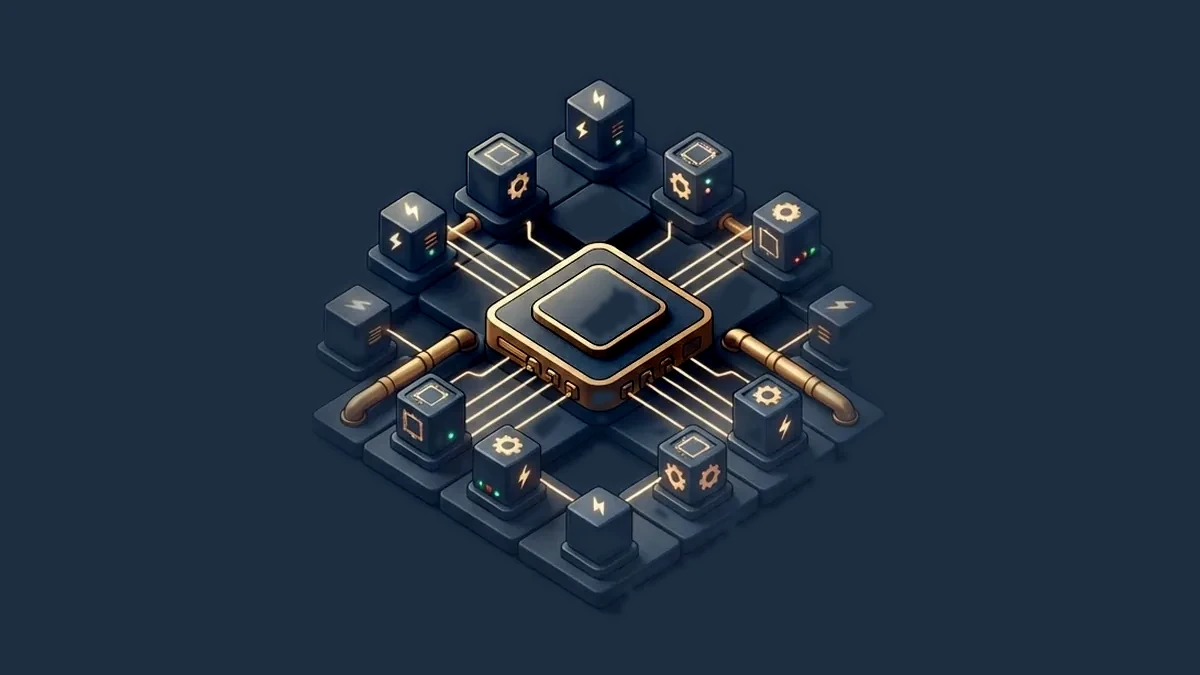
Why upgrading matters
Odoo releases a new major version every year, and older versions lose support after a few years.
A version that is no longer supported receives no more bug fixes or security updates. Wait too long and you often have to bridge several versions at once, which is more expensive and riskier than taking one step at a time.
This is where custom code usually causes trouble. Every change made directly in Odoo's code or database has to be reviewed, rewritten and tested again at upgrade time. Sometimes the old change simply stops working. The result: the upgrade gets postponed, and eventually you are stuck on an outdated version.
- A standard setup upgrades with a predictable, limited effort
- Custom code in the database turns every upgrade into a project of its own
- That is why we keep Odoo as close to standard as possible
Standard first, the rest alongside
Arend Group works as an Odoo partner, and our approach is deliberately sober. We first look at what Odoo already does, and only then at what is missing.
- Step 01
Standard first
We start from your working processes and ask at each bottleneck whether a standard setting solves it. Usually it does.
- Step 02
No custom code in the database
What Odoo does not cover, we do not build inside Odoo itself. That keeps every upgrade feasible.
- Step 03
Integrations outside Odoo
Connections to webshops, tills, suppliers or your accounting run through the API, in a layer next to Odoo.
- Step 04
Migration, follow-up, dashboards
We carry your data over cleanly, set up dashboards and remain your fixed point of contact.
From setup to ongoing management
Odoo ERP and business software
Setup of CRM, sales, purchasing, inventory, invoicing and accounting around how your company works. Where another package fits better, we say so.
Data migration and clean-up
Customers, products and history from Excel or an older package are checked and cleaned first, and only then loaded.
Dashboards and reporting
Revenue, open orders and lead times on one screen, tuned to what the owner and the team actually follow.
One fixed point of contact
Questions, new wishes and updates go through the same person, who knows your environment and its history.
Read next
Software & integrations
Webshop, till and supplier integrations, process automation and dashboards, so data is only ever entered once.
Read more Arend DigitalCustom or not?
Configure standard first, never custom code in the database, and whatever really has to differ goes through the API outside Odoo.
Read more Arend ConsultingProcess audits & transition
A down-to-earth review of your order flow, stock, invoicing and customer follow-up, with an action plan and support for the digital step.
Read moreGet in touch, no obligation
Tell us briefly where you stand. We reply personally, usually within one working day.
- Phone+32 (0)491 91 81 95
- Email[email protected]
- AddressCreyboschlaan 28, 2520 Ranst (Belgium)